
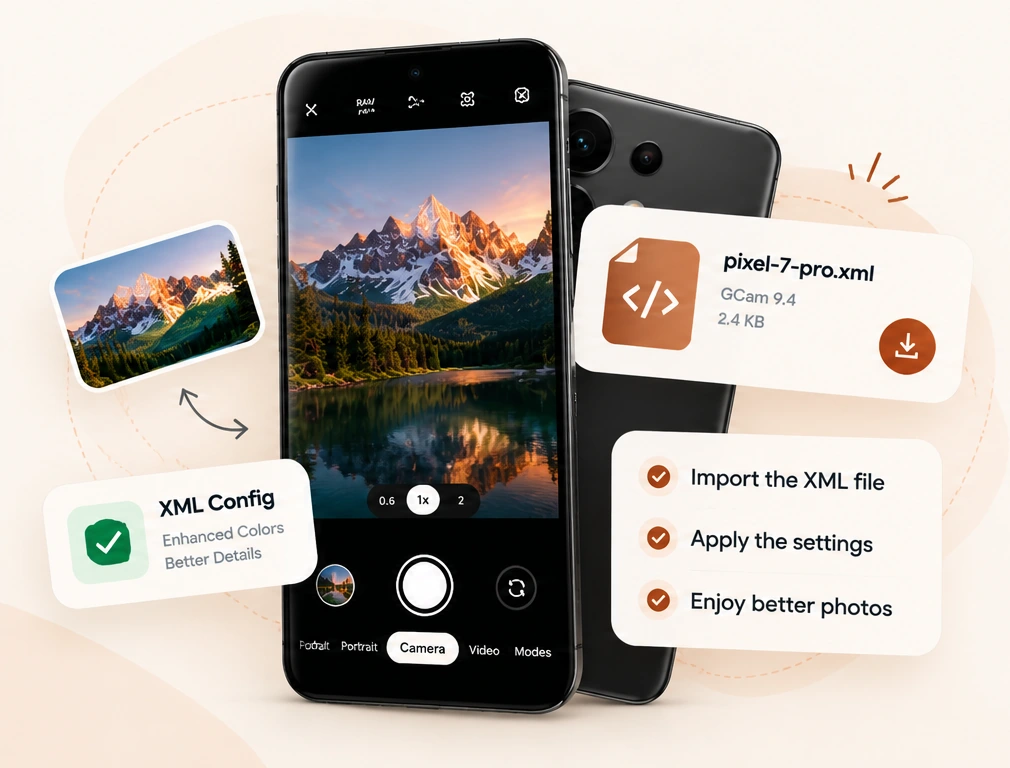
What Are Camera XML Config Files?
Camera XML config files are configuration presets used by certain modified Android camera applications. Instead of adjusting numerous camera options manually, users can import a preset designed for a specific camera app and device.
Depending on the camera port, configuration settings may affect image processing, color response, contrast, exposure, sharpening, noise reduction or the behavior of individual camera modules. The exact settings available vary between apps and versions.
A configuration file does not install a camera application. You need the appropriate camera port installed separately before importing its settings. Explore our Android camera config library to see the files currently available.
GCam XML Config Files for Android
GCam is a common name used for Google Camera, including modified ports adapted for other Android smartphones. Many GCam ports support importing XML presets, although supported options and import methods are not identical across different developers' releases.
A suitable GCam XML file may adjust the processing preferences available in the target build. However, using a preset made for another device or incompatible version can produce unexpected results or prevent the app from loading the configuration.
Our GCam XML download collection contains uploaded presets labeled for devices including the Samsung Galaxy S23 Ultra , OnePlus Nord 4 and Realme 13 Pro+ . Always compare the original preset requirements with the camera port on your phone.
LMC 8.4 XML Configs and Presets
LMC 8.4 is a modified Google Camera port associated with the LMC camera family. It is known for configurable image processing options and support for importing compatible XML presets in supported releases.
Some LMC configurations are prepared for particular phone camera sensors, lenses or app builds. This makes checking the intended release important before trying a new preset. A configuration designed for one LMC build should not automatically be treated as compatible with every LMC 8.4 release.
Visit our LMC 8.4 XML config files section to find uploaded files associated with models such as Xiaomi Poco X3 Pro , Poco X6 Pro and Samsung Galaxy A71 .
AGC Camera Config Files Explained
AGC is another family of modified Google Camera ports. Some AGC versions use configuration files with the .agc extension, and their import process may differ from GCam or LMC ports that use XML files.
The configuration format and supported settings depend on the particular AGC build. Renaming a file from .agc to .xml does not convert its internal structure or make it compatible with another app.
Browse our AGC configuration downloads for available device listings, including the Google Pixel 7 , Pixel 7 Pro and OnePlus 12 .
How to Choose the Right Camera Configuration
Before downloading a new camera configuration, check the device and software requirements. A matching filename alone does not guarantee compatibility.
-
01
Identify your phone model
Check the exact model, regional variant and Android version where relevant.
-
02
Check your camera app
Confirm whether you are using GCam, LMC 8.4 or AGC and note its release version.
-
03
Match the original preset
Review the file's original source and intended camera port before downloading.
-
04
Import and test carefully
Back up any working settings and follow the import instructions for your camera build.
Important: A downloadable config is not necessarily a verified match for every phone variant. Camera results also depend on hardware, app versions, lighting and processing options.
Find Camera Config Files by Phone Brand and Model
Finding a configuration becomes easier when files are organized by camera app and smartphone model. Our XMLConfigFile library provides filters for camera app, phone brand and phone model so visitors can narrow the results before downloading a file.
You can explore configurations labeled for different Google Pixel, Samsung Galaxy, Xiaomi, Realme and OnePlus devices. The library currently displays files that have been uploaded to the website; not every device or camera port is covered.
Start with the complete XML and AGC file directory , use the search field to locate your device, or choose an individual camera app category. The download listing includes the file extension, filename and size to help you identify what you are downloading.
If you have trouble importing a preset, visit the Config Help Desk for common troubleshooting checks, or review our camera configuration setup steps .